How to Use HTML, CSS, and JavaScript in Elementor
Install a page-level snippet in an HTML widget and distinguish it from a genuine Theme Builder header replacement.
Updated 2026-10-09Elementor can place custom markup in an HTML widget, but a widget on one page is not a global theme replacement. First decide whether you are adding an image effect, timer, or section interaction, or replacing the site-wide header. These tasks have different installation and feature requirements.
Start with a draft page
Open a draft in Elementor and add an HTML widget at the intended location. Paste the snippet’s HTML fragment, not its complete standalone document. The standalone download includes its own head and body for local testing; your WordPress page already has those elements.
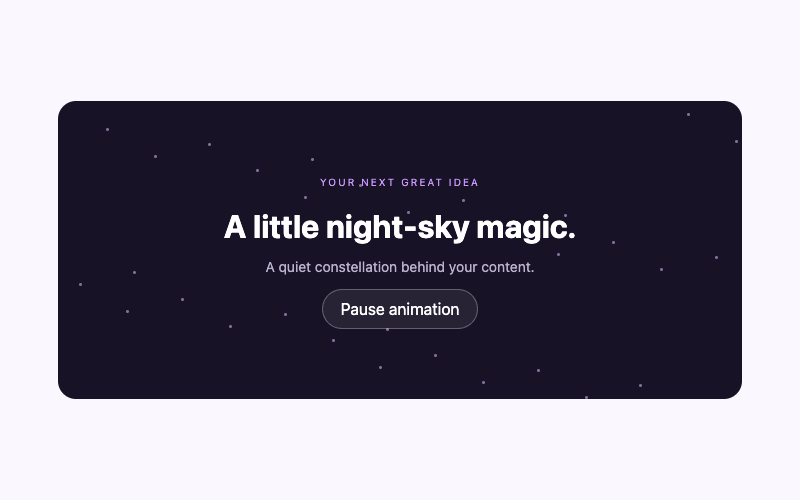
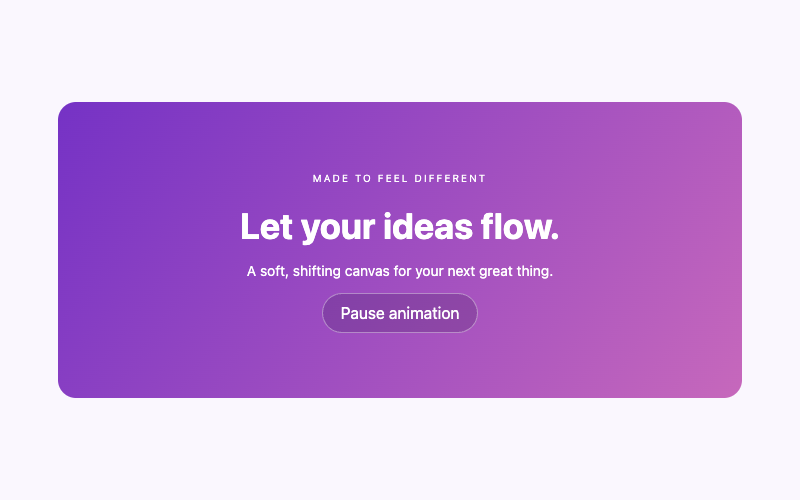
Try the original markup before changing classes. A simple FAQ accordion or image hover zoom lets you verify HTML and CSS installation without adding a script. Replace sample copy, media sources, and links with real content before publishing.
Add scoped styles
Use a supported site stylesheet or a CSS feature actually available in your Elementor setup. Do not assume that every edition exposes the same per-widget or site-wide custom CSS interface. Your theme may also provide an Additional CSS area. The WordPress CSS guide helps choose a permitted route.
Keep the snippet’s wrapper classes and inspect Elementor’s generated front-end markup. Advanced class fields may apply to an Elementor wrapper rather than the inner element you expected. Use the class and ID guide before changing selectors to match that structure.
Install behavior deliberately
If the snippet needs JavaScript, use a permitted script method. An inline script may be stripped by WordPress capabilities or host policy, and editor execution can differ from the saved front end. A child-theme enqueue or administrator-approved snippet installation can supply the file when inline saving is unavailable.
The provided scripts handle both an initially loading document and an already-loaded one. They guard against duplicate initialization. They do not automatically observe every future widget inserted by every builder feature. If your page dynamically inserts a component later, test and document the additional lifecycle integration rather than assuming a permanent observer exists.
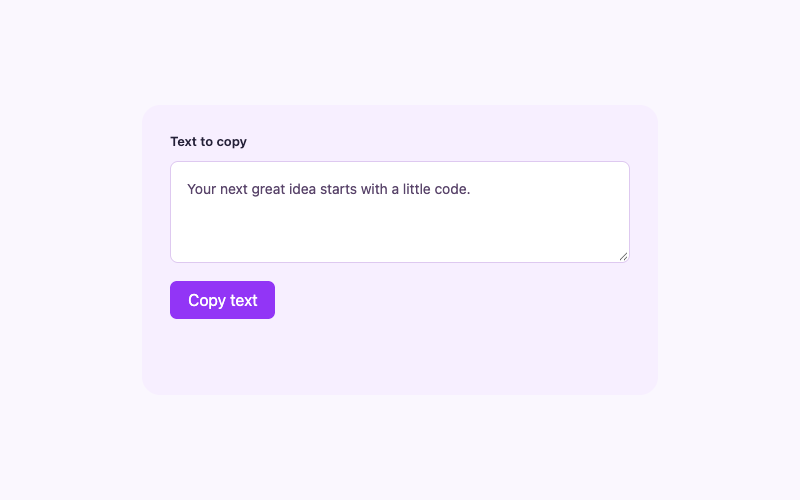
For an interactive tab component, verify each panel on the actual front end. For a copy control, test HTTPS clipboard permission and its manual fallback. A successful editor preview alone is not enough.
Global headers need Theme Builder
A true Elementor header replacement requires access to the applicable Theme Builder header feature. Feature availability and licensing change, so verify your account’s current product access and the official Theme Builder information. Do not tell visitors that a normal free HTML widget automatically supplies global header replacement.
Create or edit a real header template, place the component within it, and configure display conditions for the intended pages. Check whether the theme integration suppresses the original header. If it does not, resolve the theme-specific integration rather than hiding a duplicate with an arbitrary global selector.
The glassmorphism header and static minimalist header are complete visible designs with static sample links. They do not automatically become Elementor-managed dynamic menus. Replace the links or build a deliberate dynamic adaptation.
Troubleshoot the saved front end
If a control is inactive, inspect whether the script remains after saving and whether its external file loads. Check for optimization plugins that delay scripts or alter their order. Test changes on staging before disabling unrelated production features.
If CSS appears wrong, inspect selector matches, wrappers, and specificity. Clear relevant builder and page caches after confirming the source changed. An iframe demo’s isolation means theme rules do not affect that demo; your installed component still needs testing against the real theme.
Check global header positioning at both the component and its Elementor section wrapper. A static child can remain stationary if its parent is sticky. See the static-header guide before trying to fix this with negative margins.
Publish with a clear rollback
Test a narrow viewport, keyboard focus, open and closed controls, and all real destinations. For global templates, inspect multiple page types and logged-in toolbar behavior. Record the template, display conditions, installed stylesheet, and script method.
Keep the previous template until the replacement is verified. This repository does not certify a specific Elementor version, license, or live WordPress integration. The tutorials describe supported approaches and their boundaries; your staging environment supplies the final compatibility evidence.