How to Add JavaScript to WordPress
Choose a permitted inline or enqueued script method, handle initialization safely, and diagnose stripped or missing JavaScript.
Updated 2026-10-09JavaScript provides behavior such as switching a tab, copying text, or updating a countdown. Install it only when the feature needs it. A CSS-only hover effect does not require a script, and a visible button without a handler is not a completed interaction.
Check permissions first
The official Custom HTML documentation describes CSS and JavaScript panels starting in WordPress 7.0, available to users with unfiltered_html. Accounts without that capability may have script and iframe tags removed during saving. Multisite and hosting policies can impose additional restrictions.
If your role cannot save scripts, ask the administrator to use an approved method. On restricted WordPress.com setups, the plan and permitted features also matter. Do not promise that a combined snippet works everywhere. The general installation guide helps distinguish content editing from site-level administration.
Permitted inline method
If your editor explicitly accepts JavaScript, paste the script into its appropriate panel. A JavaScript panel expects JavaScript, not a surrounding script tag. A permitted combined HTML block may need the script tag, but that is a different input contract.
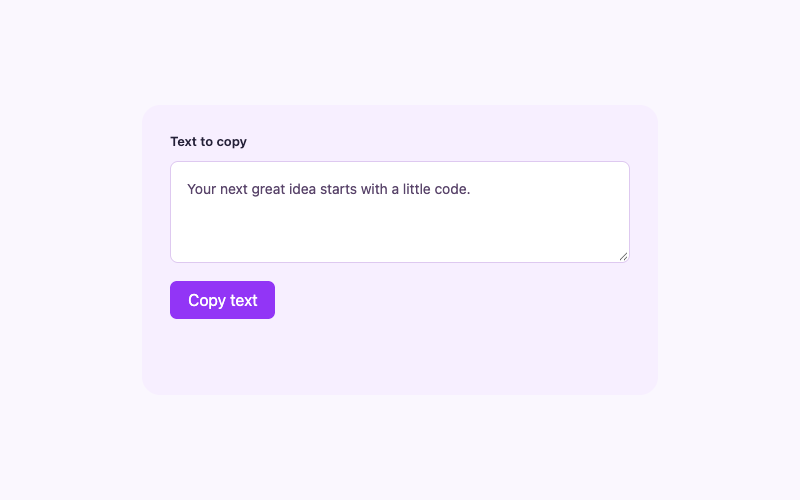
Save and inspect the front-end page. The editor may not execute the code in the same environment, and saving can sanitize it after the initial preview. Test the original snippet before altering selectors or events. Use the copy button to check that success and permission-denied feedback behave honestly.
Child-theme enqueue method
A developer-controlled child theme can load a local script with WordPress’s wp_enqueue_script API. This illustrative fragment belongs in the child theme’s PHP setup, with the actual JavaScript saved at the stated path:
add_action('wp_enqueue_scripts', function () {
    $path = get_stylesheet_directory() . '/assets/iljs-example.js';
    if (file_exists($path)) {
        wp_enqueue_script(
            'iljs-example',
            get_stylesheet_directory_uri() . '/assets/iljs-example.js',
            array(),
            filemtime($path),
            true
        );
    }
});
The empty dependencies array suits these vanilla examples. The final boolean requests footer placement. This does not create a child theme, ensure its file exists, or make a parent theme print missing hooks. Use the official enqueue documentation and your theme’s expected structure.
For a page-only feature, consider conditioning the enqueue on the relevant page after confirming its real ID or template. A global header’s script usually needs the templates that render that header. Do not invent a universal page ID or parent-theme handle.
Initialize at the right time
The supplied scripts test document.readyState. If the document is still loading, they wait for DOMContentLoaded; otherwise they initialize immediately. That supports a script loaded after the document is already available. Root-level guards prevent attaching duplicate handlers to the same component.
A builder that inserts new elements later may require another explicit initialization step. These examples do not run a permanent MutationObserver to handle every possible page-builder lifecycle. Test the actual front end and document any extra integration your editor requires.
Diagnose script failures
If a button does nothing, first check the saved HTML and Network panel for the expected file. Then check the browser console for syntax errors. Confirm that the script’s root class matches the markup and that IDs are unique where ARIA relationships use them.
An optimization plugin can delay or reorder scripts. Temporarily test without that transformation on staging, then configure an appropriate exception if needed. Do not change unrelated production plugins merely because a sample failed. Content Security Policy can also restrict inline scripts; use the site’s approved external-file method rather than weakening security rules broadly.
Verify behavior and remove cleanly
Test every intended state: an expired countdown, an open and closed mobile menu, or every tab panel. Include keyboard operation and a narrow viewport.
Record the file path and enqueue handle. Remove the enqueue and script only after confirming no other instance uses them. Browser-native features still have permissions and capability limits; report those limits instead of treating every successful desktop click as universal compatibility.