The code library
Small upgrades for a website that feels like you. Every listed tutorial includes source code and a live preview.
12 tutorials found
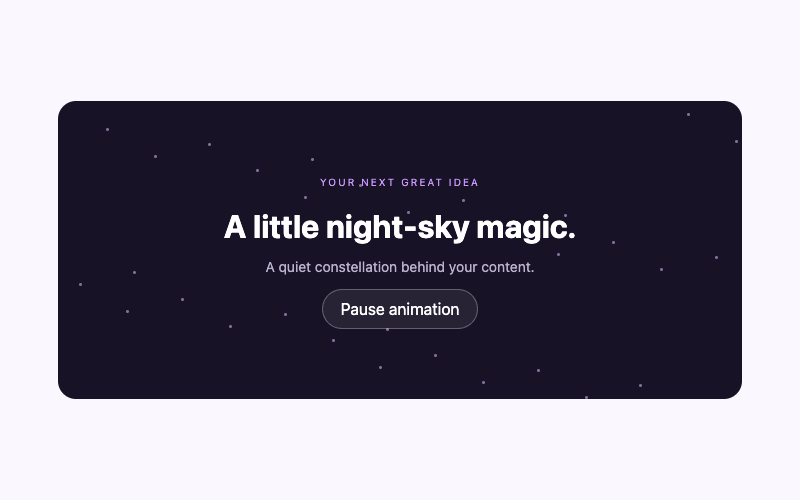
How to Add an Animated Stars Background in WordPress
Create a layered stars section in WordPress with softly twinkling points, a working pause control, and reduced-motion styling. Includes scoped code and theme-aware installation steps.
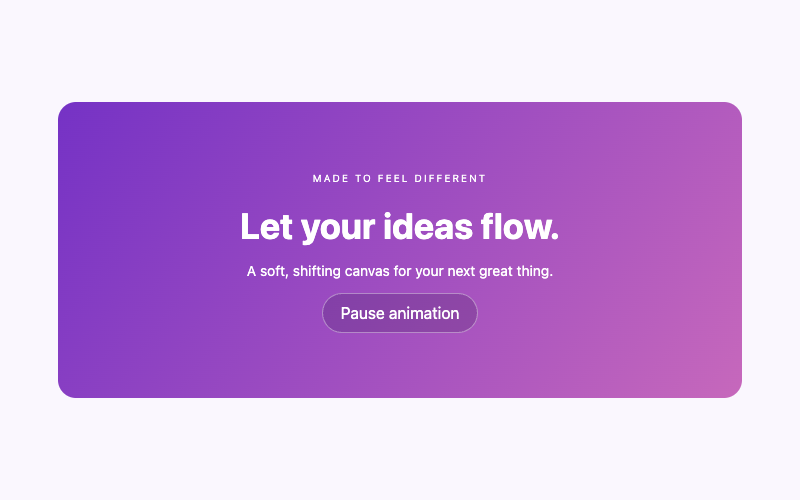
How to Make an Animated Gradient Background in WordPress
Add a slowly shifting three-color gradient to a WordPress section. Keep the text stable, offer a pause control, and customize colors without a background video.
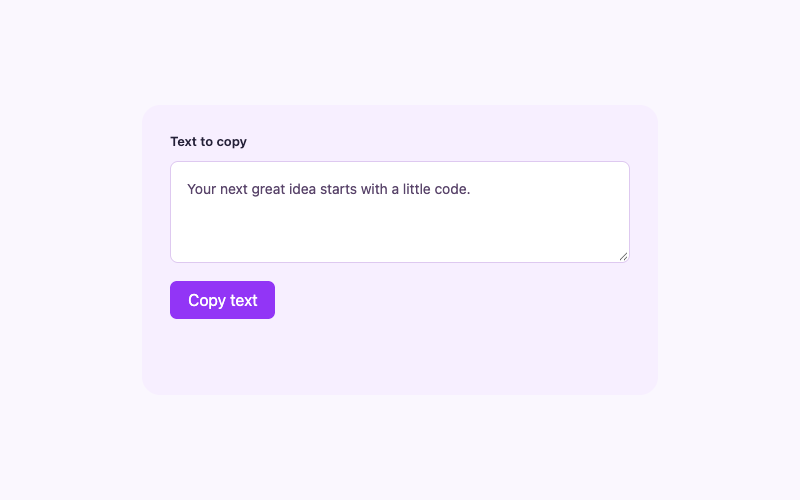
How to Add a Copy-to-Clipboard Button in WordPress
Copy visible text from a WordPress page with confirmed clipboard feedback. If the browser denies permission, select the text and offer a clear manual-copy instruction.
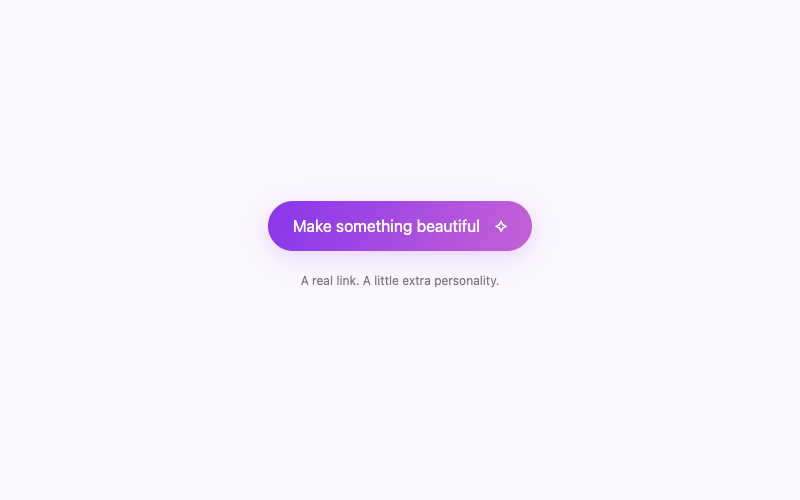
How to Create an Animated Gradient Button in WordPress
Create a gradient WordPress call-to-action link with gentle hover and keyboard-focus movement. Keep its destination real and honor reduced-motion preferences without JavaScript.
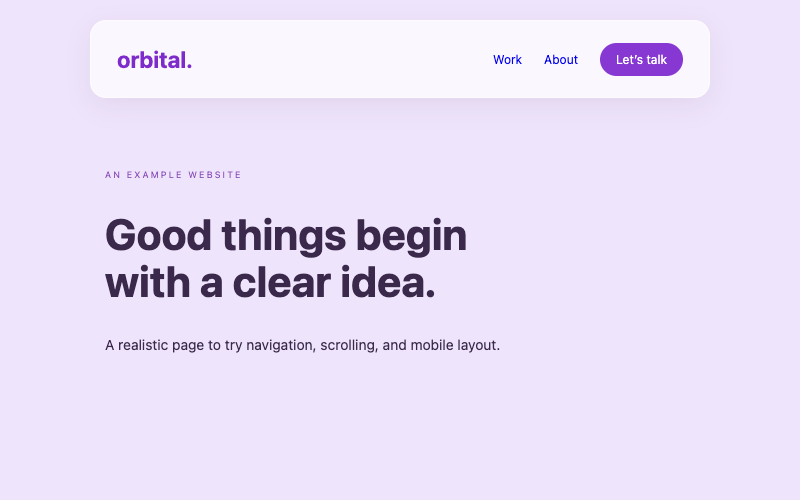
How to Add a Glassmorphism Header to WordPress
Replace a WordPress header with a complete glassmorphism design, responsive navigation, and sticky positioning. Includes a solid visual fallback and careful block-theme replacement instructions.
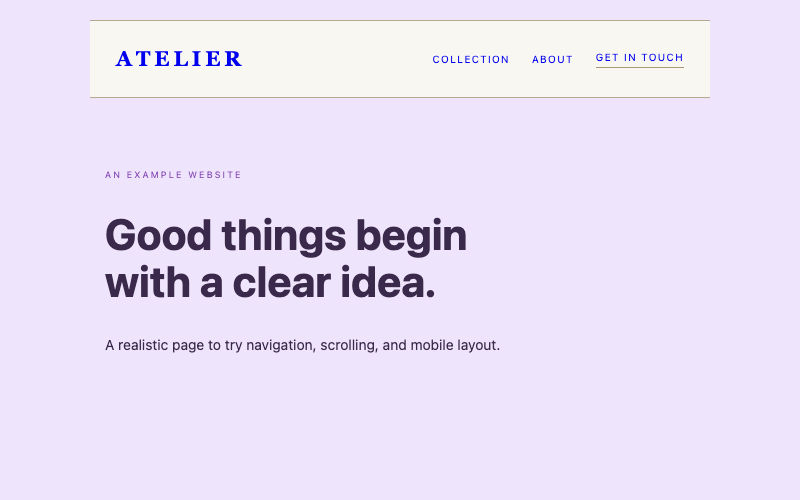
How to Add a Luxury Minimalist Static Header to WordPress
Create a complete minimalist WordPress header that scrolls normally with the page. Use a warm editorial design, mobile disclosure, and genuine global replacement paths.
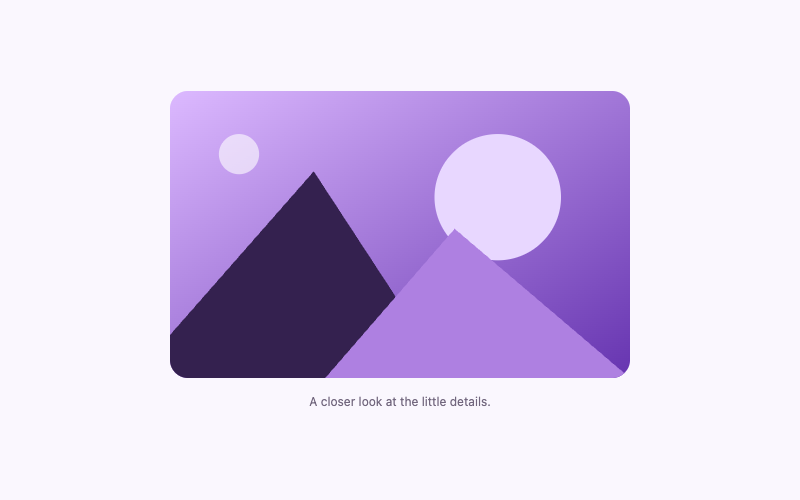
How to Add an Image Zoom Hover Effect in WordPress
Give one WordPress image a subtle hover zoom inside a rounded clipping frame. Use responsive dimensions, meaningful alternative text, and a still reduced-motion version.
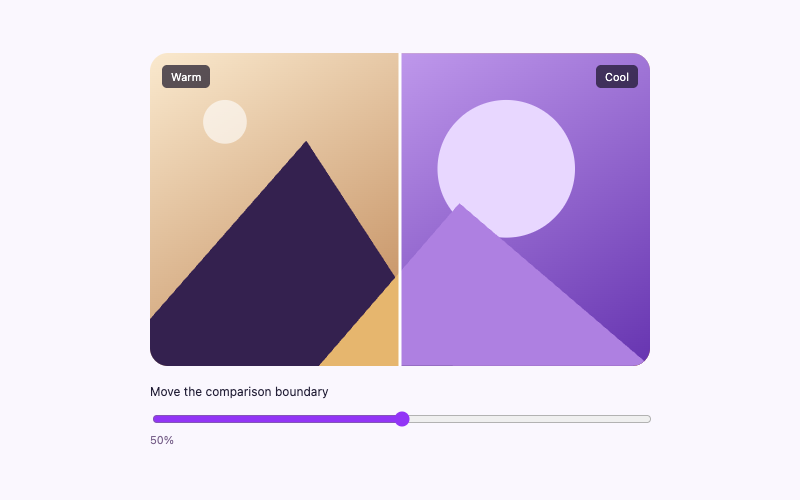
How to Add a Before-and-After Image Slider in WordPress
Compare two aligned WordPress images with a native range slider. Reveal warm and cool versions using scoped CSS, keyboard controls, and a small local script.
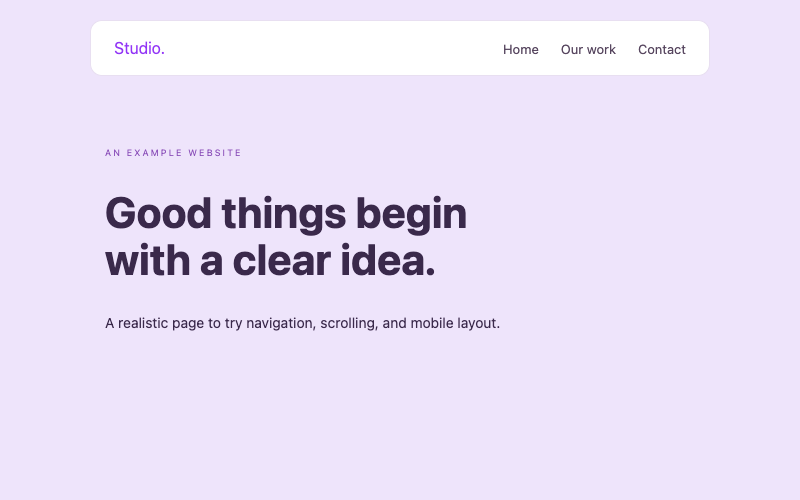
How to Add a Responsive Navigation Menu in WordPress
Build a responsive WordPress navigation component with a mobile disclosure, visible fallback links, Escape closing, and scoped styles. Understand page-level and global installation differences.
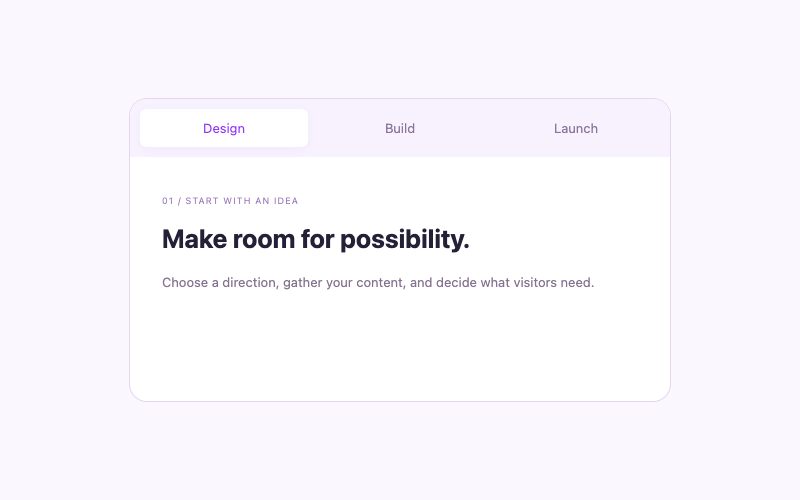
How to Create Interactive Tabs in WordPress
Organize related WordPress content into interactive tabs with arrow-key navigation, accessible relationships, and local panels. Includes scoped code and restricted-hosting alternatives.
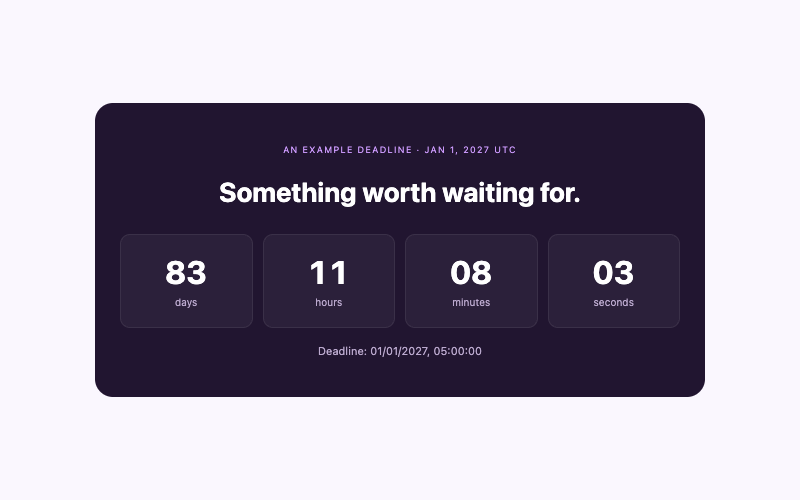
How to Add a Countdown Timer to WordPress Without a Plugin
Display days, hours, minutes, and seconds until a genuine WordPress event deadline. Use an explicit timezone, recalculate from the current time, and show an expired state.
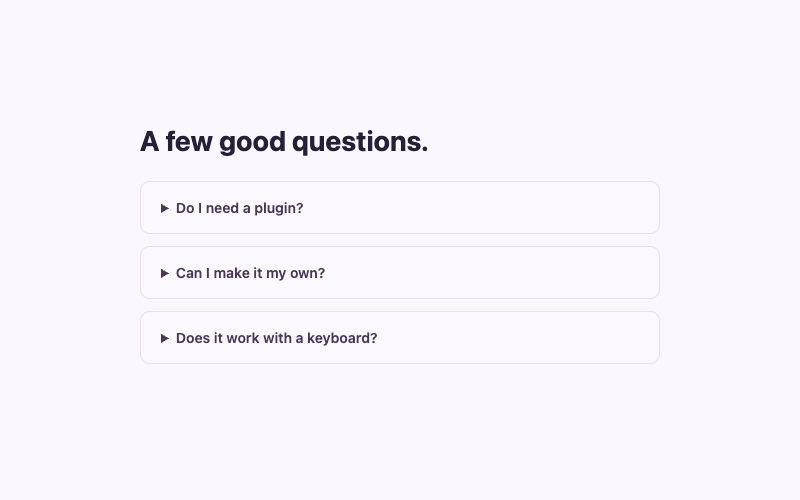
How to Add an FAQ Accordion to WordPress Without a Plugin
Add a keyboard-friendly FAQ accordion to WordPress using native details and summary elements. Let questions open independently without an accordion library or JavaScript.